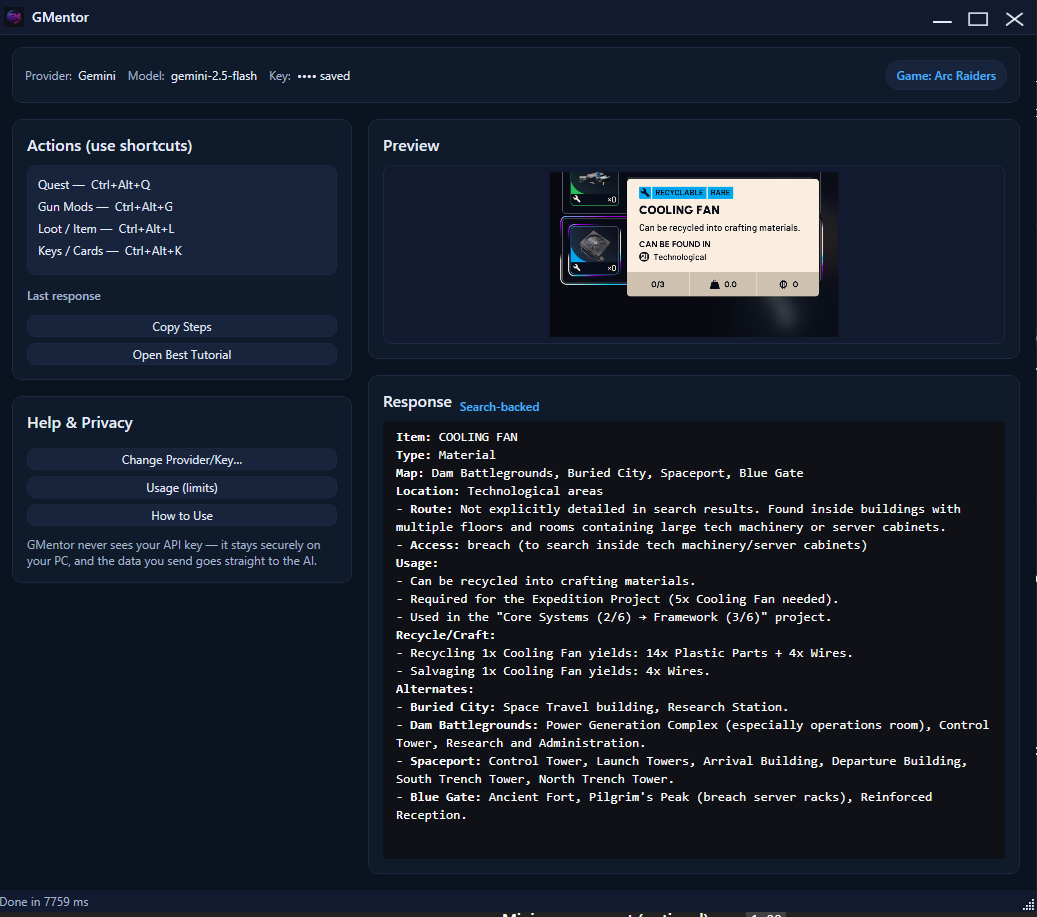
How it works
Everything happens locally on your PC. No overlays, no injection, no full-screen capture.
Download & first run
Download the ZIP and extract it. On first start, Windows SmartScreen may warn because the app is new and self-signed – click "More info" → "Run anyway". The setup window will open; paste your Gemini API key, click Test, then Continue.
Press a hotkey and draw a box
In-game, press a shortcut: your screen dims, your cursor becomes a crosshair, and you click-drag to select exactly what you want the AI to see.
Get concise tips
GMentor screenshots only that rectangle, sends it with a tuned prompt to Gemini, and shows the answer in a clean panel.