
Get Game Info
Faster While You Play
Select anything on your screen and get clear, useful game information in seconds. Works with your favorite games — no setup or API keys needed.
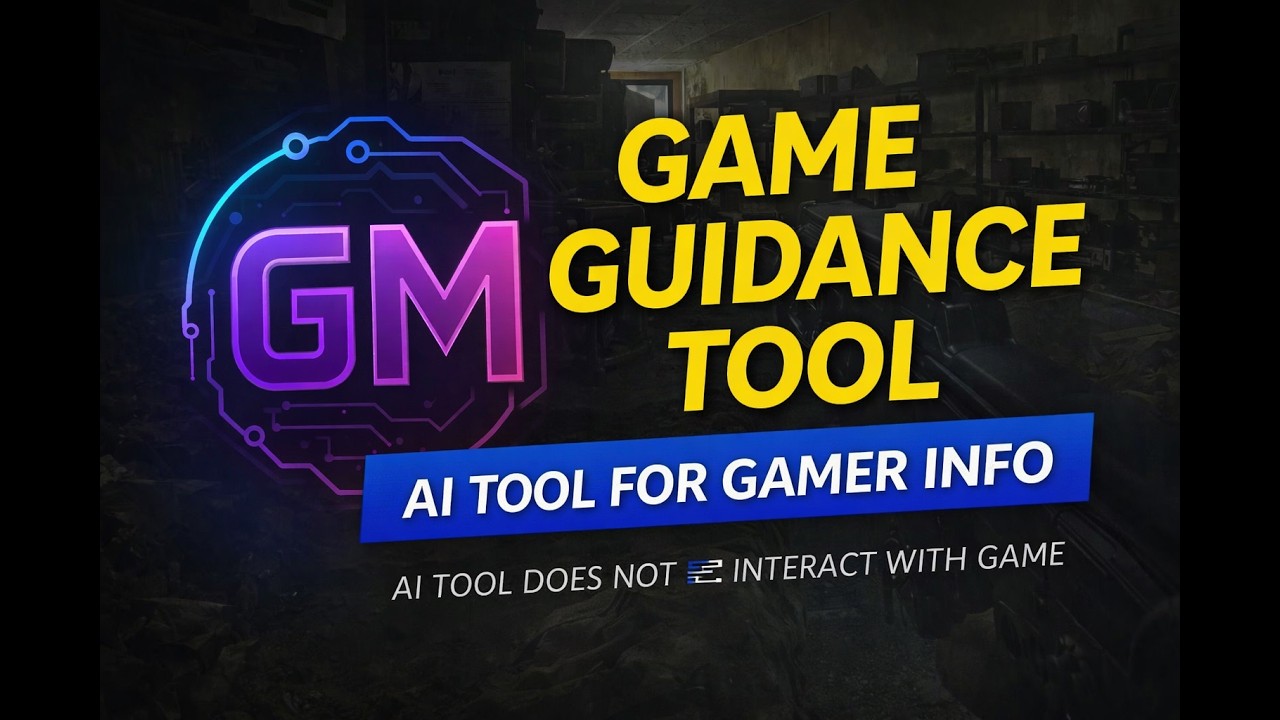
See how GMentor works — press a shortcut, draw a box, get the info you need.
How It Works
Three steps. That's it.
No browser tabs, no interruptions. Just the info you need, right when you need it.
Press the shortcut
Press your assigned hotkey while in-game. Your screen pauses so you can focus on exactly what you want to check.
Select what you want to check
Draw a rectangle around any part of the screen — an item, a map area, quest text, or anything you're curious about.
Get useful game info fast
GMentor returns clear, relevant information for the game you're playing — concise and ready to use.
What You Can Do
The game info you need, when you need it
GMentor helps with the things that slow you down most while playing.
Check item information
Find out what an item is worth, where it's used, or how to get more of it.
Understand maps and locations
Get directions, identify landmarks, and navigate unfamiliar zones with confidence.
Get quest and objective help
Quickly understand what a quest requires, where to go, or what to collect next.
Look up weapon and gear stats
Compare equipment, understand modifiers, and make better decisions about what to bring.
Learn game mechanics faster
Understand how systems work without stopping to search a wiki or follow a guide.
Stay focused while playing
Keep your attention on the game. Get the answer and stay in the moment.
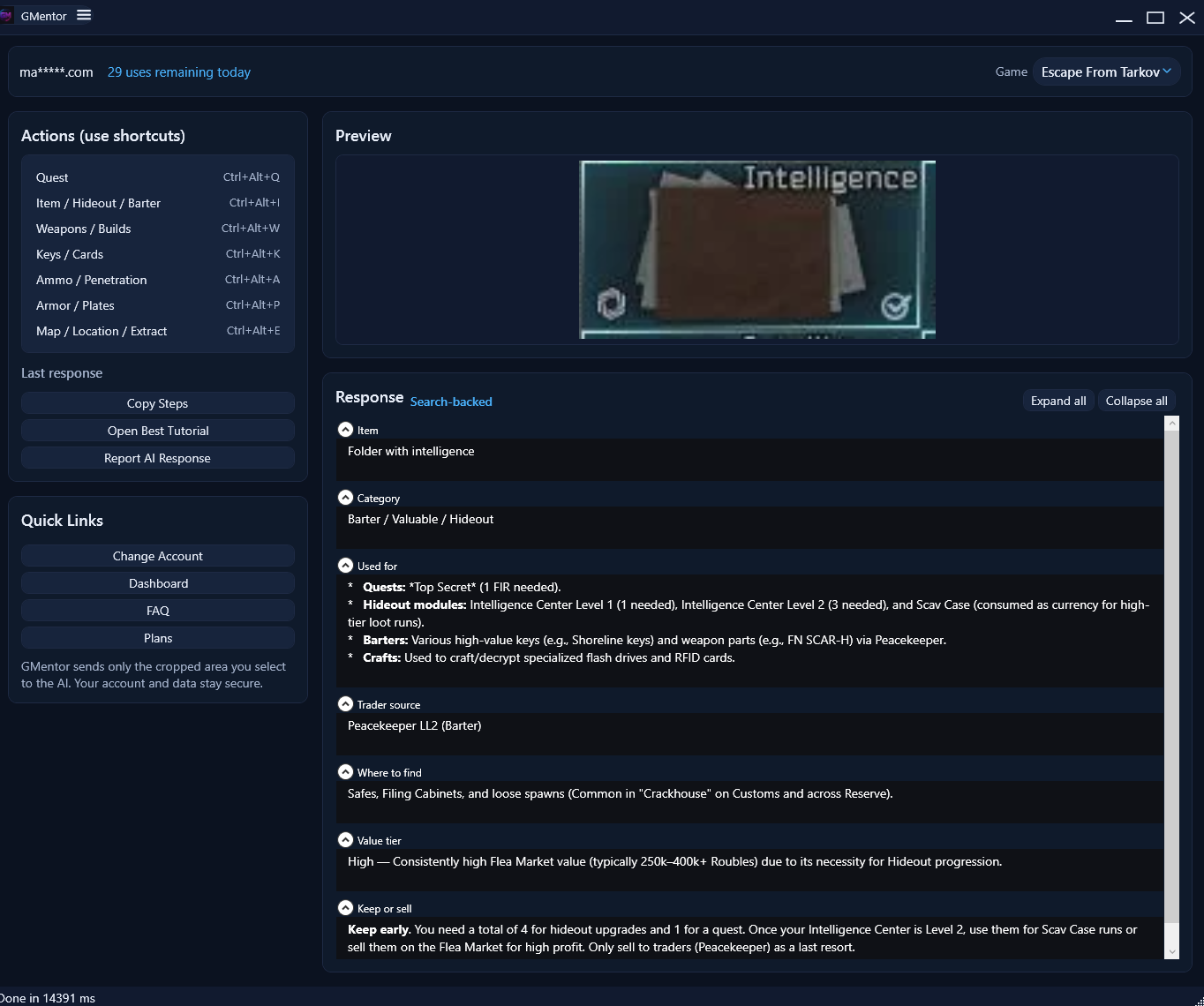
Found an item and have no idea what it is?
Select the item on your screen with GMentor. In seconds, see what it does, what it's worth, and whether it's worth keeping. No guessing. No browser.
Built with care
Simple, safe, and straightforward
Start getting game info
the fast way
Free on the Microsoft Store. No setup, no API keys — just sign in and play.